

Online ordering
Turn hungry visitors into direct orders.
Give every guest a fast, branded ordering experience that moves naturally from your menu to checkout and back again.
- Menu first
- Direct checkout
- Fast reorder
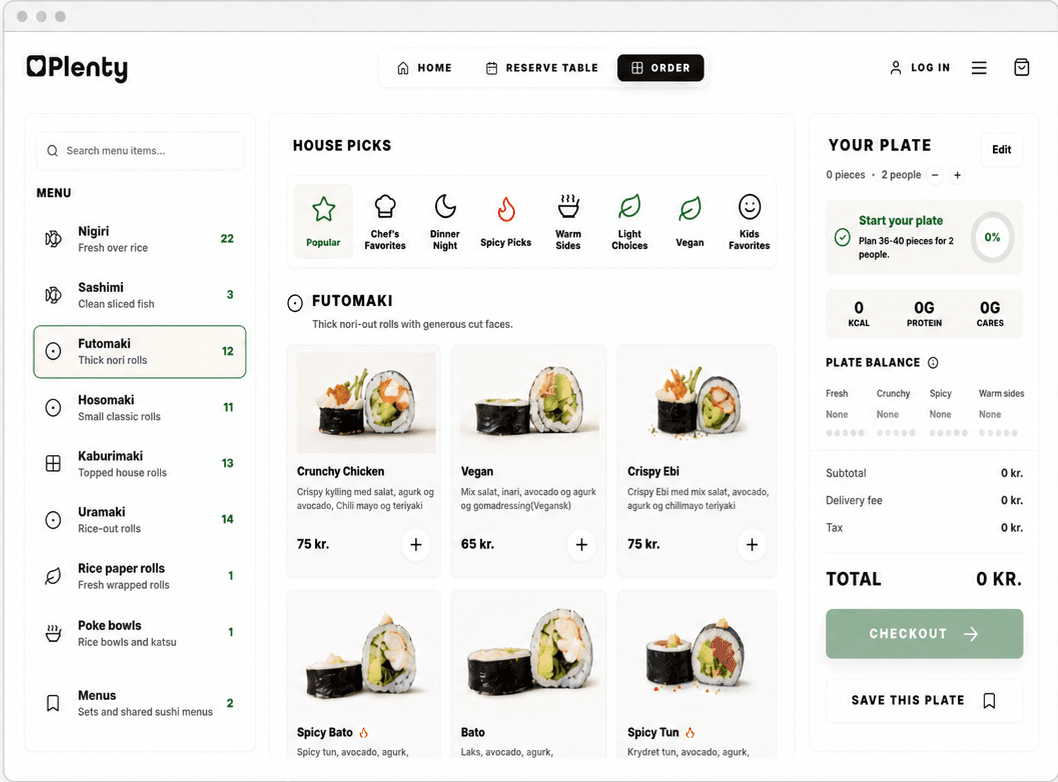
Browse and search
The right dish, without the menu maze.
Search, clear categories, and useful picks help every guest find what they want without slowing down.
- Search across the full menu
- Scan categories at a glance
- Use guided picks to decide faster
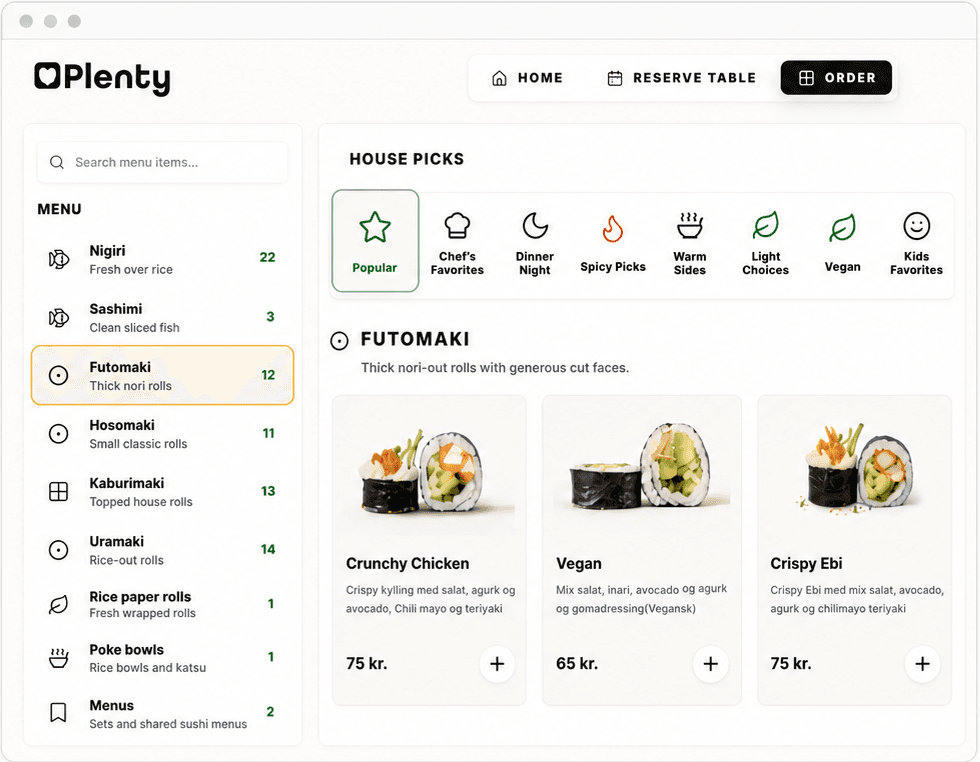
Product details
Everything they need to say yes.
Give each item enough detail to earn a confident choice, then keep the path into the order clear.
- Strong product imagery and descriptions
- Price, availability, and portions together
- Allergen and nutrition detail where configured
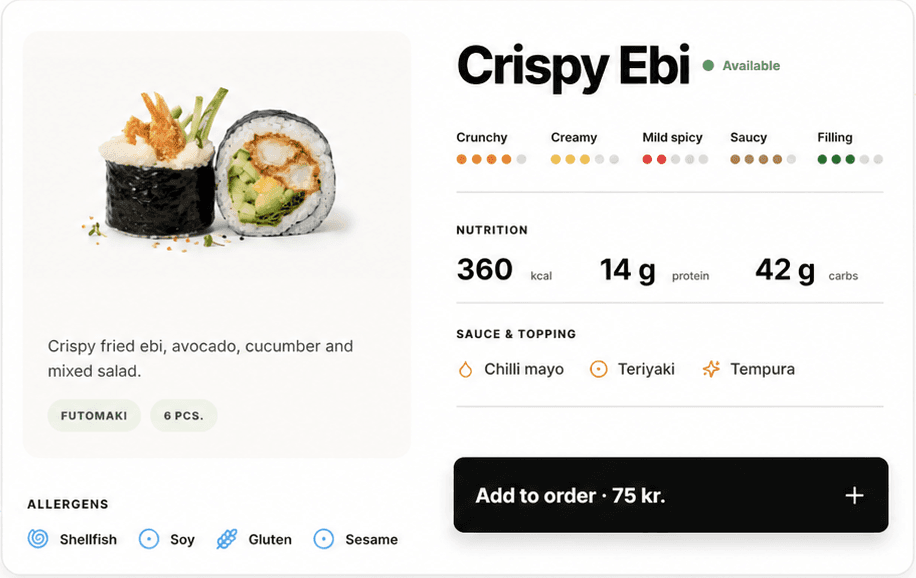
Checkout and payment
One clean step from cart to kitchen.
Keep fulfillment, customer details, payment choice, and the order summary together in one focused checkout.
- Pickup, dine in, or delivery choices
- A visible order summary and total
- Payment methods enabled for the restaurant
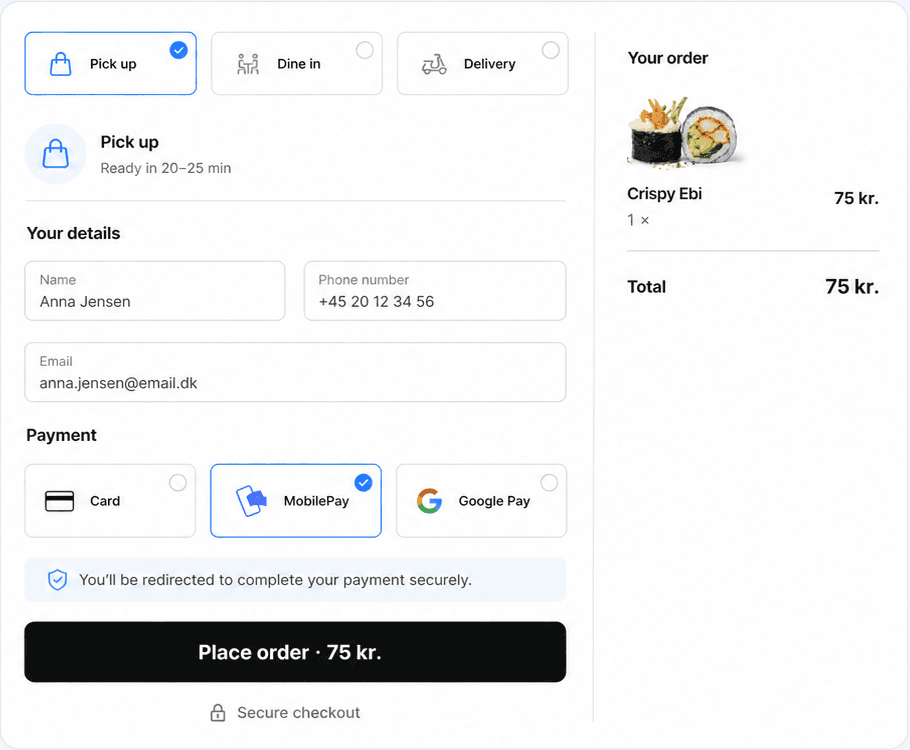
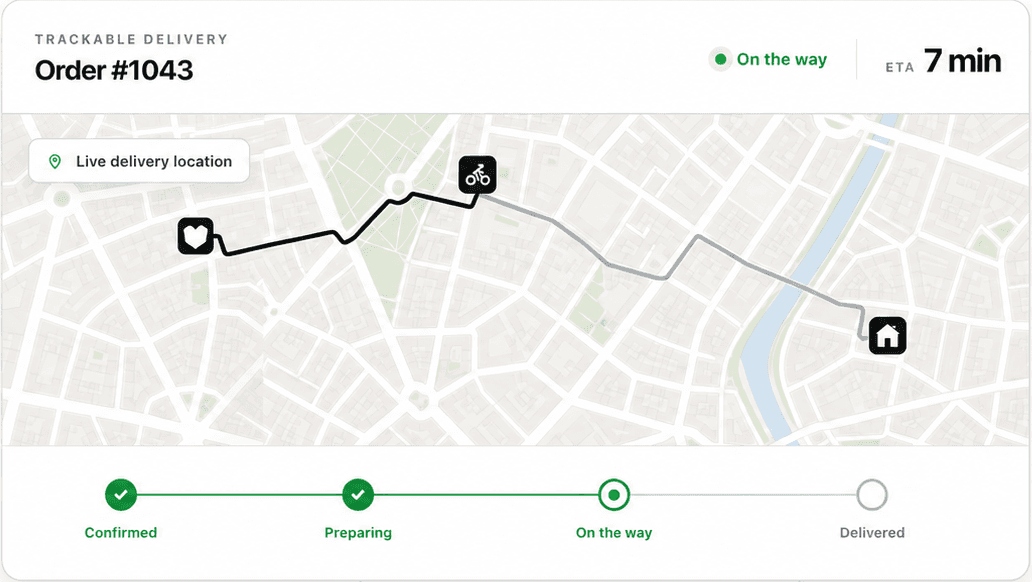
Tracking and ETA
No guessing after checkout.
Keep the customer-facing order stages clear from confirmation to arrival, with richer delivery detail when the required connections are enabled.
- One status journey from kitchen to guest
- Clear preparation and delivery stages
- ETA and location detail when supported
Order history and reorder
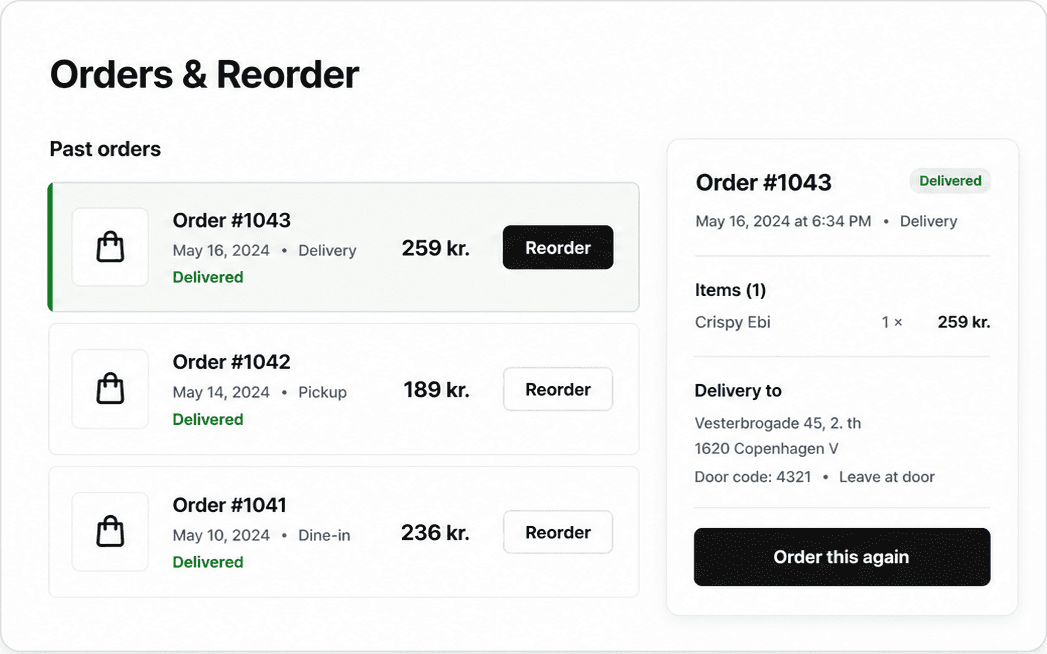
Next time takes seconds.
Past orders stay ready to revisit, so returning guests can move from history to a familiar order with less effort.
- A clear history of past direct orders
- Order details stay easy to review
- A short path to order the same items again
One connected journey
Own the order from first browse to the next visit.
Plenty keeps the menu, checkout, customer account, order status, and reorder path together in the restaurant's direct experience.
Product screens are illustrative. Payment methods, live delivery connections, and customer messaging depend on restaurant setup and enabled providers.